
How do I open and accept my quote?
When your snow or lawn provider quotes you, the quote comes as a link by email and text message. Either one opens the same page — use whichever is handier.
Open the link and review your options
The quote shows what’s included and what it costs. If your provider offered more than one option, pick the one you want.
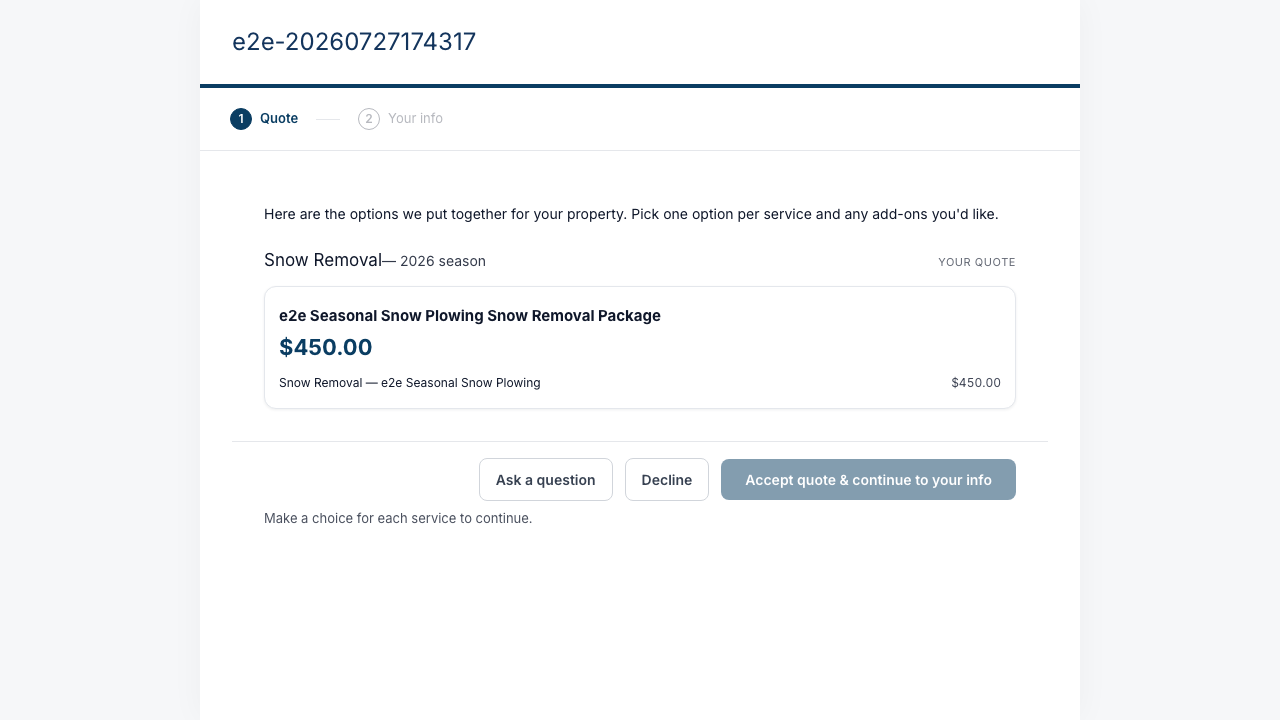
Confirm your details
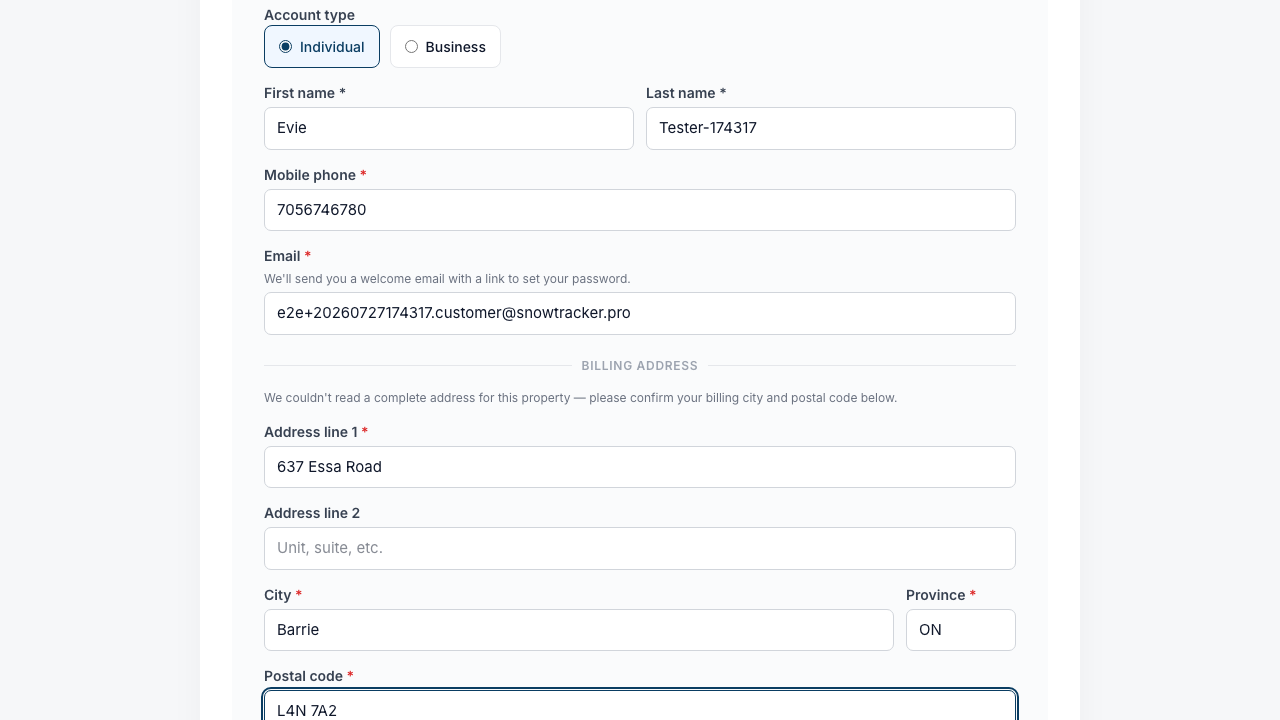
Check your name, contact, and billing details — you can correct anything here before you commit.
Continue to payment
Pay by card right there, or — if your provider accepts it — choose cash, e-transfer or cheque instead. The next two guides walk through each.