
I’ve worked with this company before — what happens when I accept a new quote?
Accept the new quote like any other
Open the link and pick your option. As long as you use the same email and phone as before, the system recognizes you — no second account gets created.
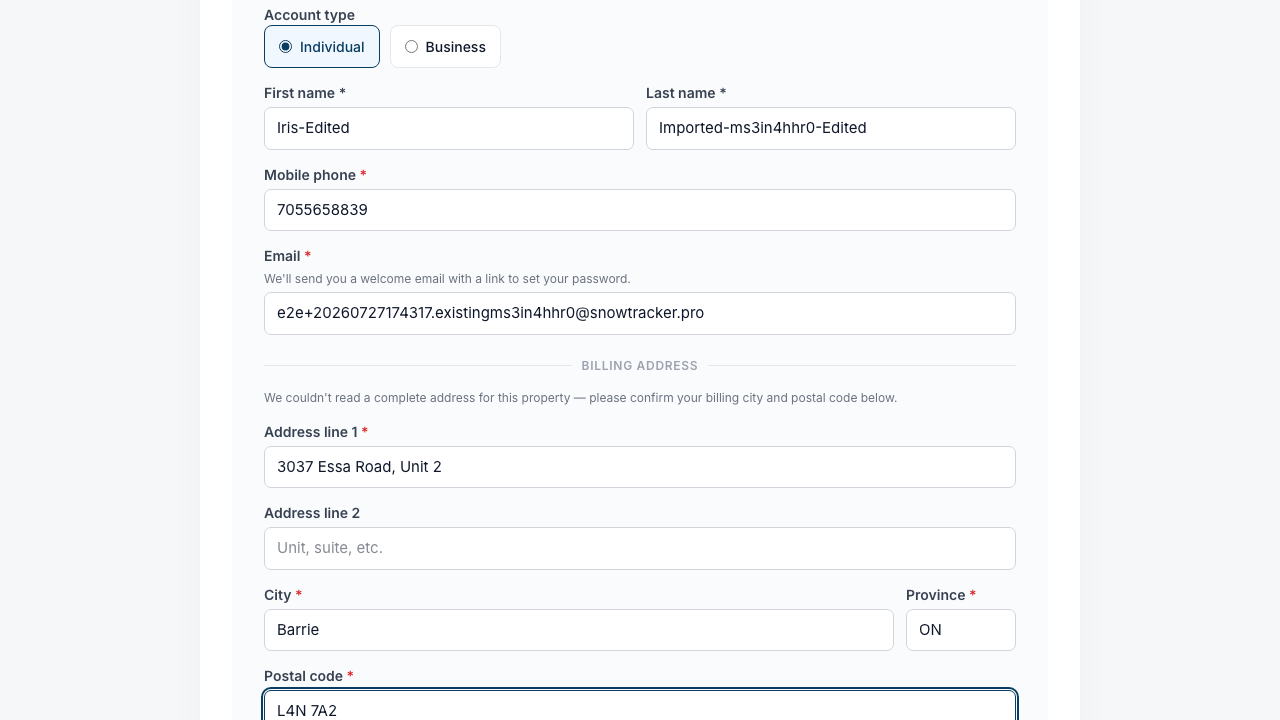
Fix up your details on the way through
The your-info step is pre-filled from last time. If your name or billing details have changed, correct them here — the changes stick to your account.
The new season joins your history
The new service lands alongside your previous seasons on the same account, so your provider sees the whole relationship in one place.
New email or phone? Tell your provider
If you’ve switched contact details since last season, let your provider know so they can update your record before you accept — that keeps everything on one account.