
How do I pay by cash, e-transfer or cheque, and what happens next?
Choose cash / e-transfer / cheque at checkout
If your provider accepts it, you’ll see it offered beside card payment when you accept your quote.
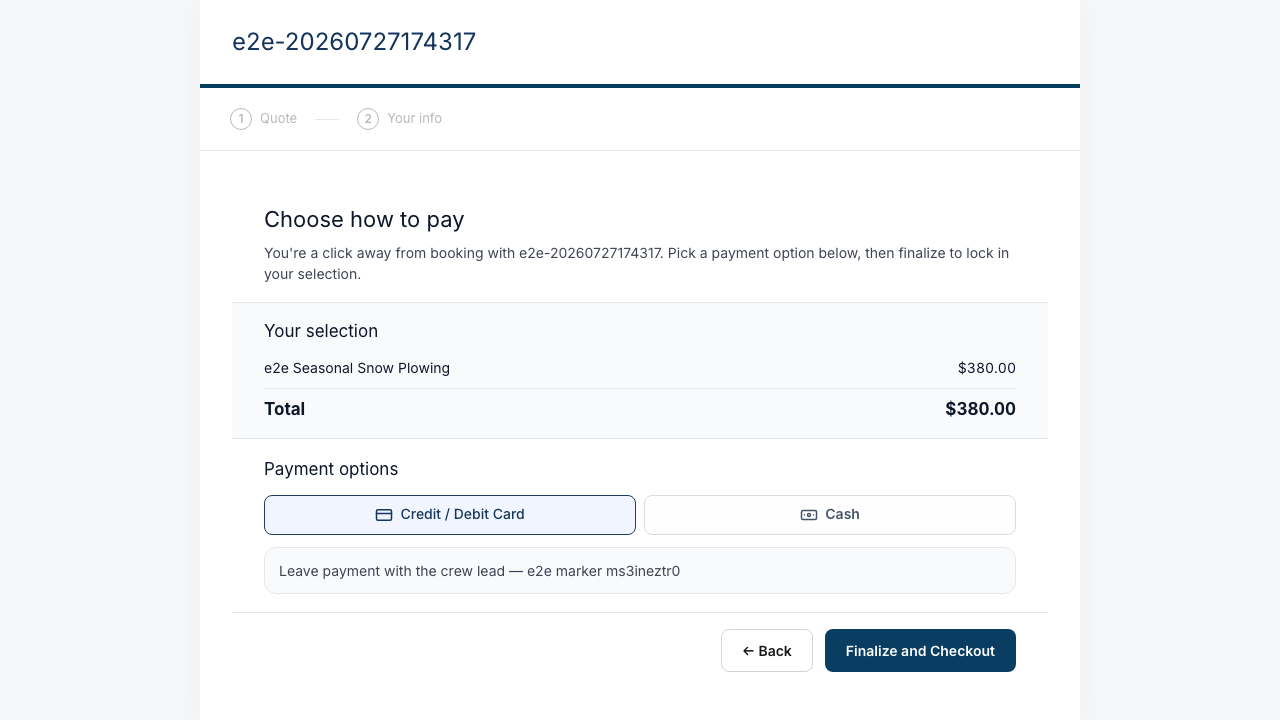
Finalize — nothing is charged
Your quote is accepted and your spot is booked. No card, no online charge.
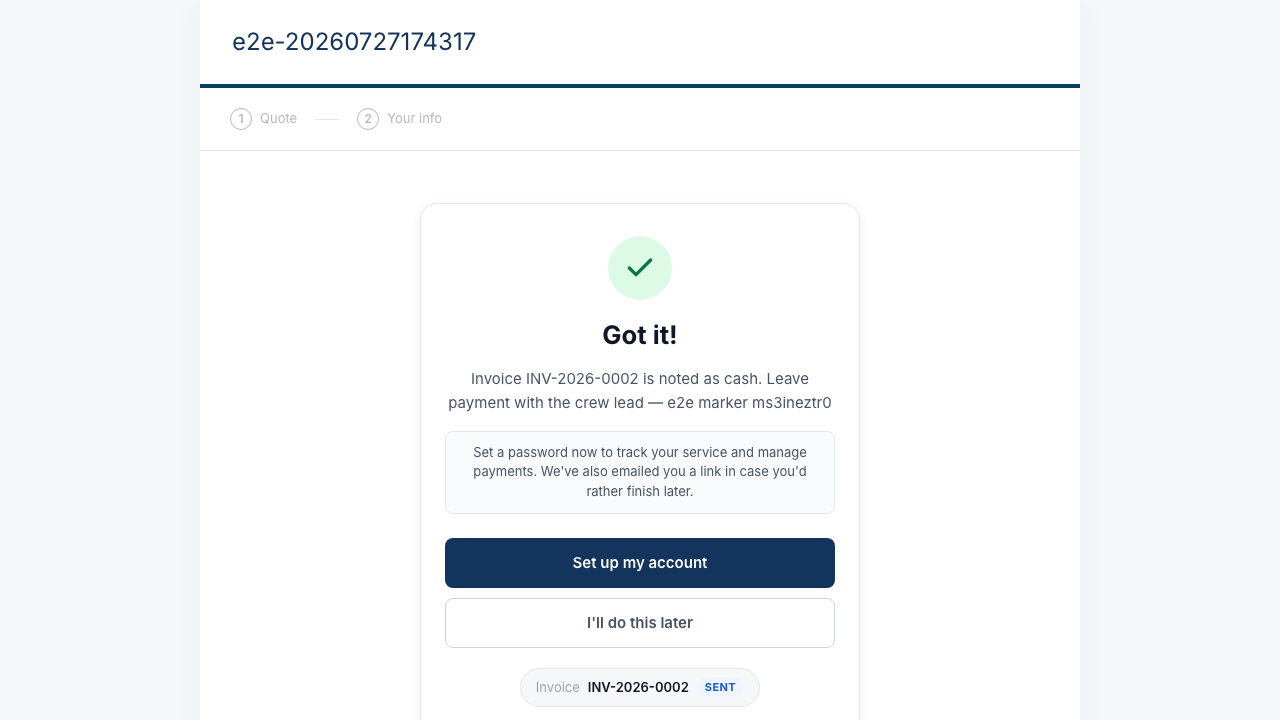
Follow the instructions in your email
An email arrives with your provider’s payment details — where to send the e-transfer, who to make the cheque payable to, or how they collect cash.
Your invoice shows pending until they confirm
Once your provider receives the money and marks it in, your invoice flips to paid. If it still shows pending a while after you’ve paid, check with them directly.