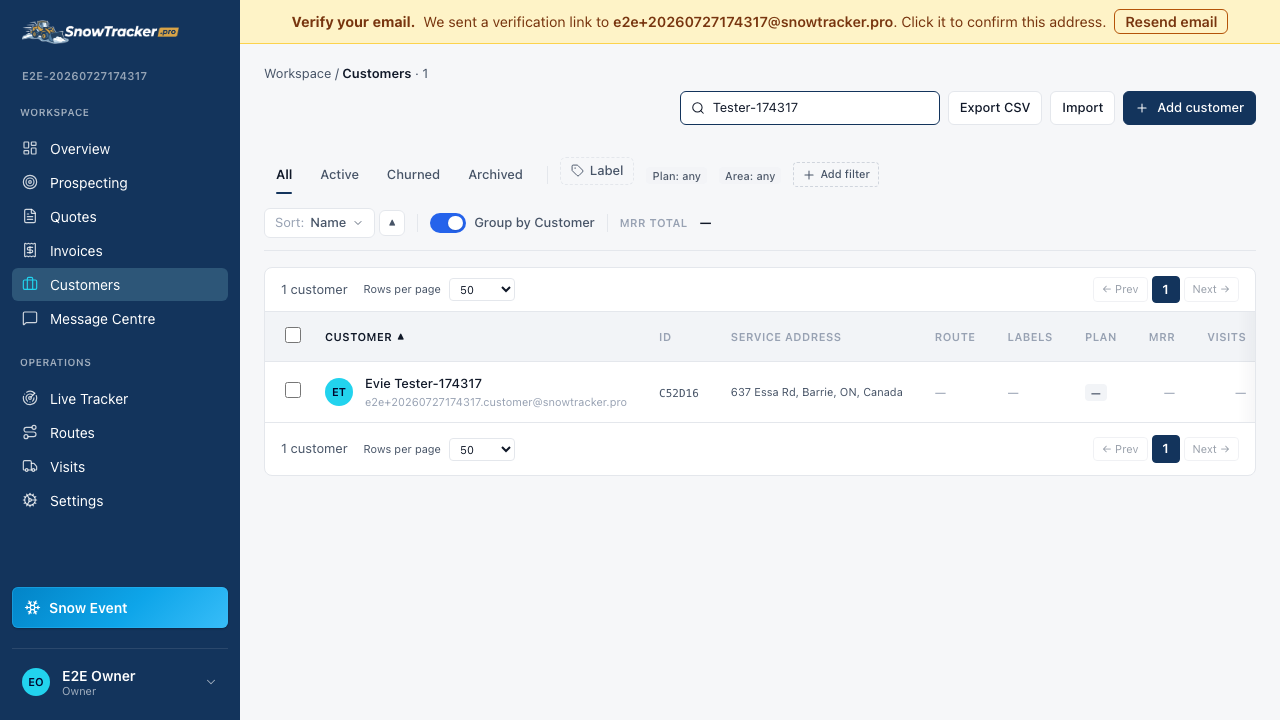
How do I add a customer and their service address?
A customer in SnowTracker is a person plus the properties you service for them. Adding both takes one form.
Open Add Customer from your Customers page
Head to Customers and choose Add Customer.
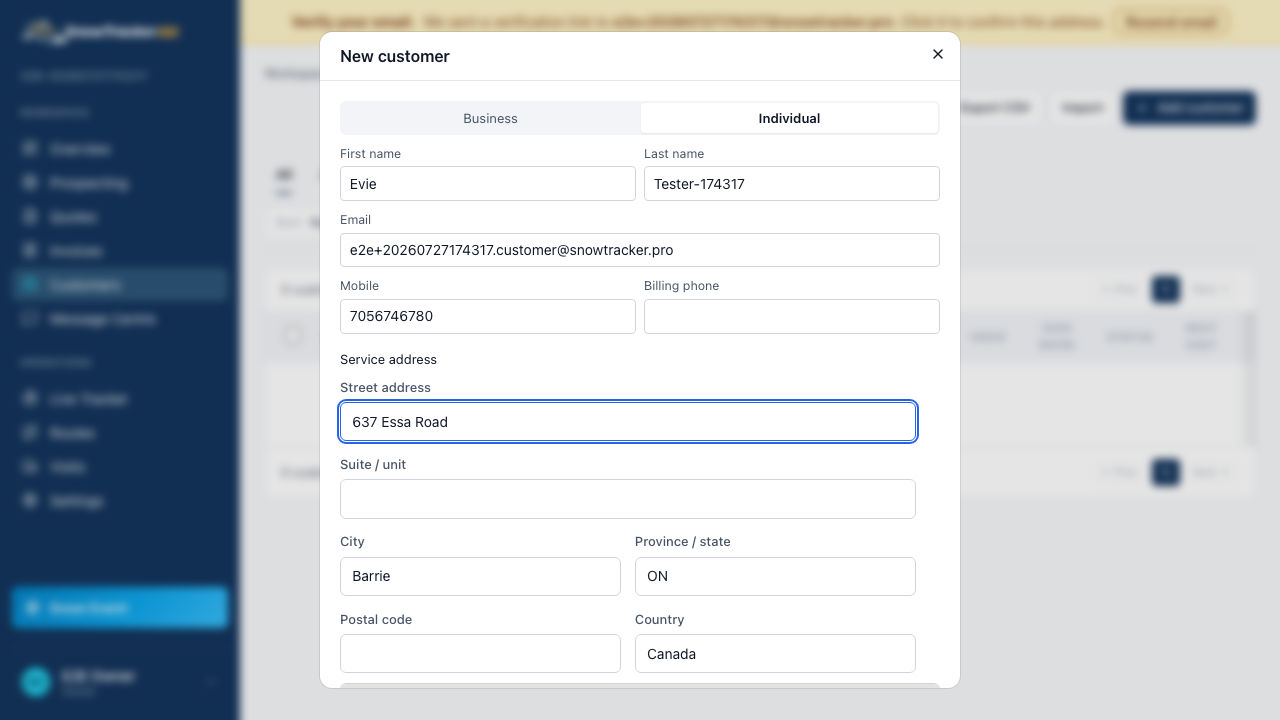
Fill in contact details and pick the service address
Name, phone, email — then start typing the service address. The address field suggests real addresses as you type; picking one pins the property in the right spot on your map, so don’t skip it.
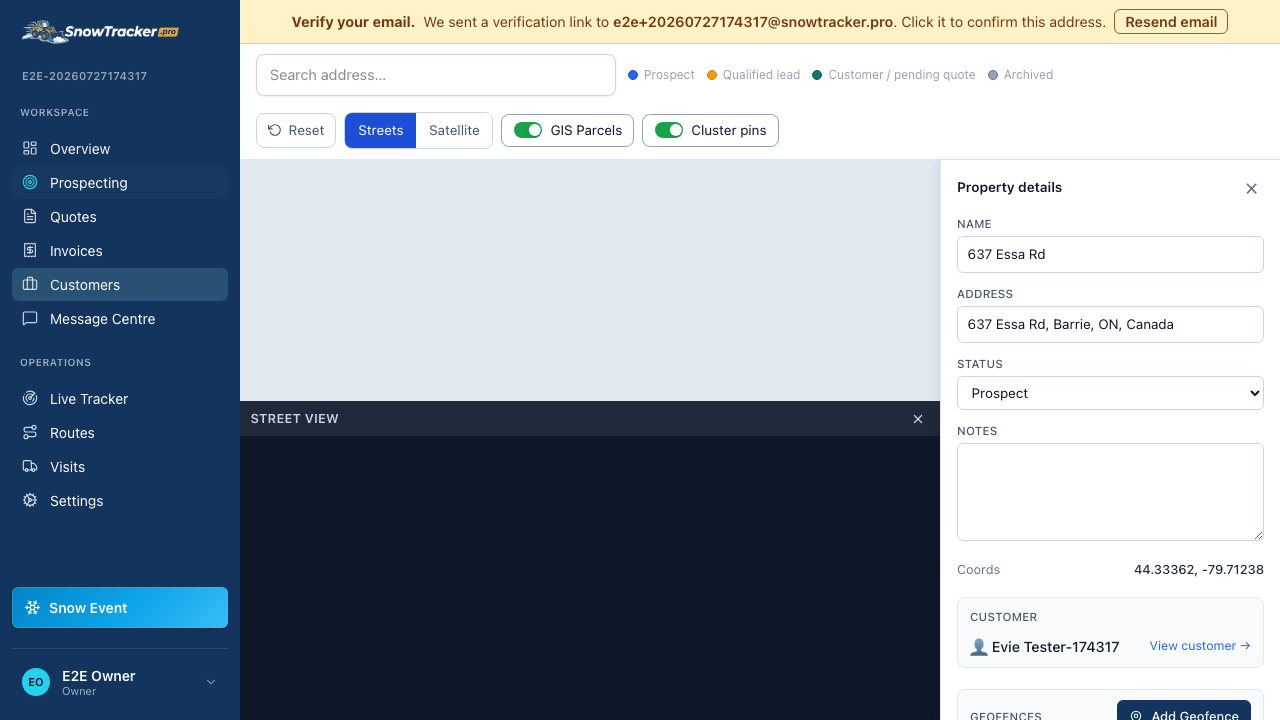
Save — you land on the property
Saving drops you onto the map with the new property’s panel open, ready for a quote, notes, or boundary tweaks.
Find them any time in the customer list
The new customer shows up in your Customers list immediately — searching by name, phone, or address will pull them up.