How do I sign in?
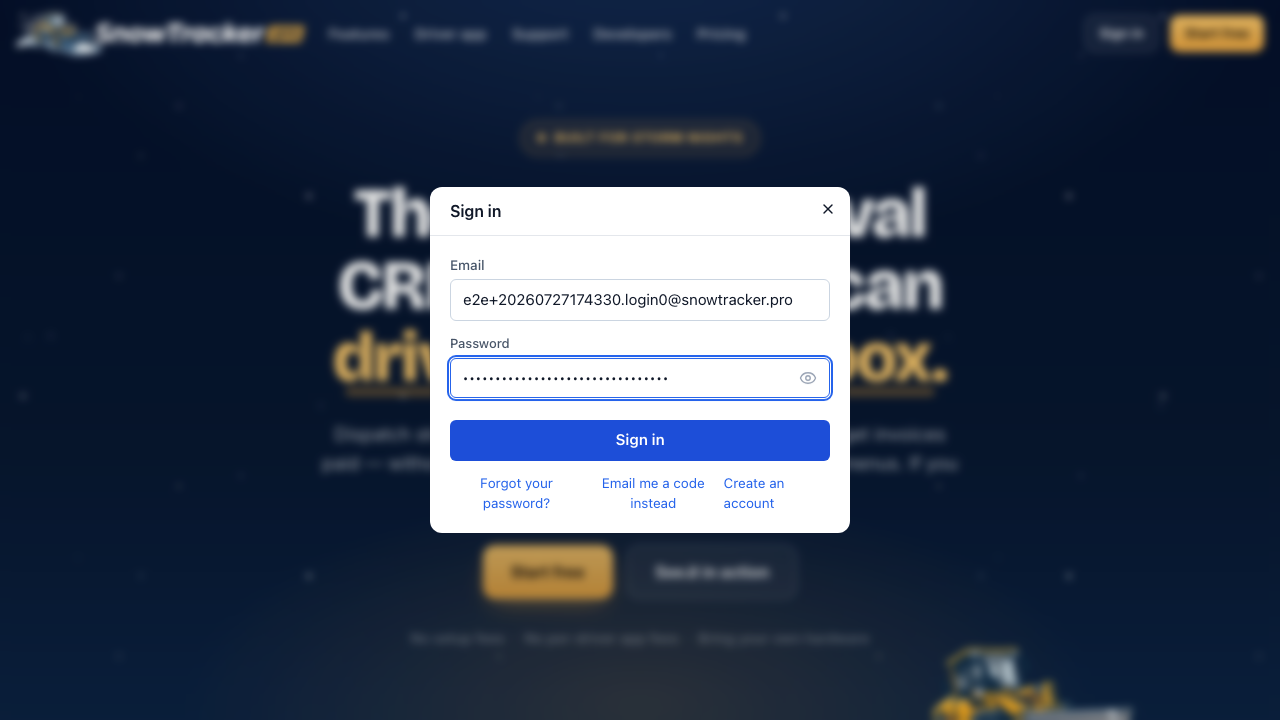
Sign in from anywhere on snowtracker.pro — the Sign in button at the top of the page opens the sign-in window.
Open the sign-in window
Choose Sign in at the top of any page and enter the email you signed up with.
Grab the code from your email
By default we email you a six-digit code — no password to remember. Type it in and you’re through. If you’d rather use your password, switch to password mode in the same window.
Or use Google
If your business runs on Google Workspace, Continue with Google signs you in with the same account — as long as the email matches the one on your SnowTracker account.
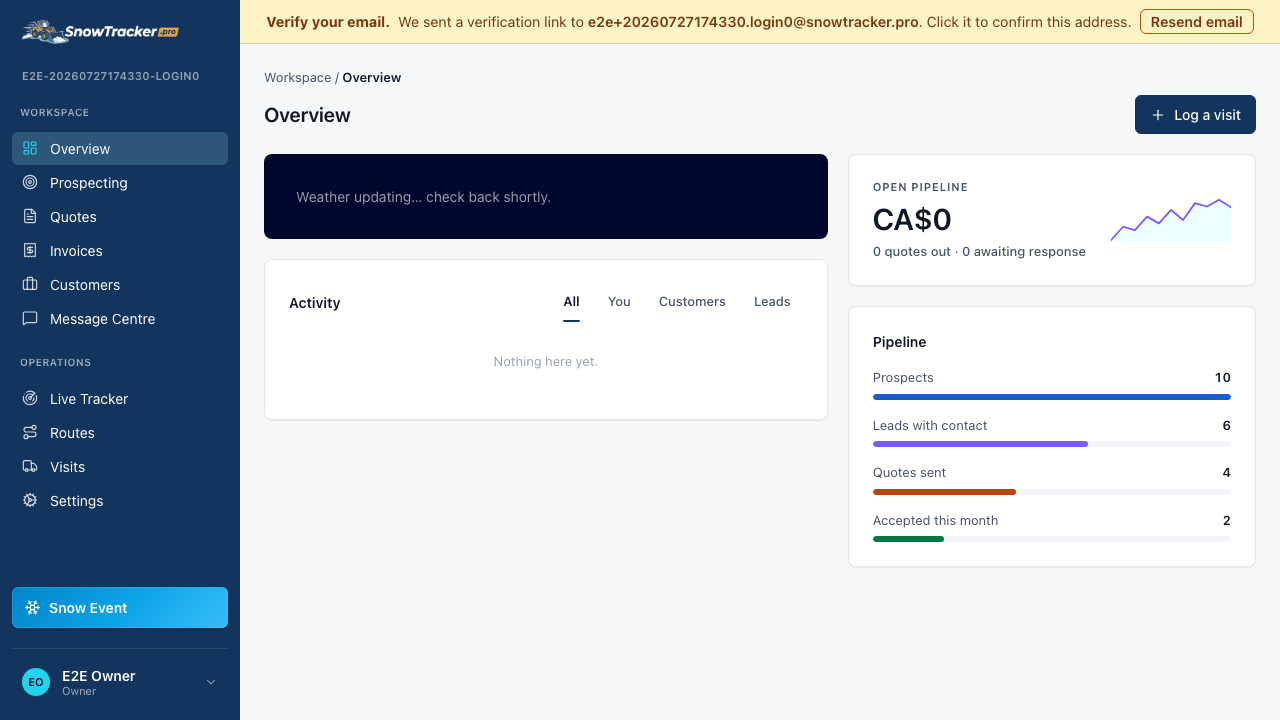
You land in your dashboard
Signing in always takes you to your dashboard, right where you left off.