
How do I create my SnowTracker account?
Your account is free to start and takes about a minute to create. All you need is your business name and an email address.
Go to snowtracker.pro and choose Start free
The button is at the top of the page. No credit card is asked for at any point during sign-up.
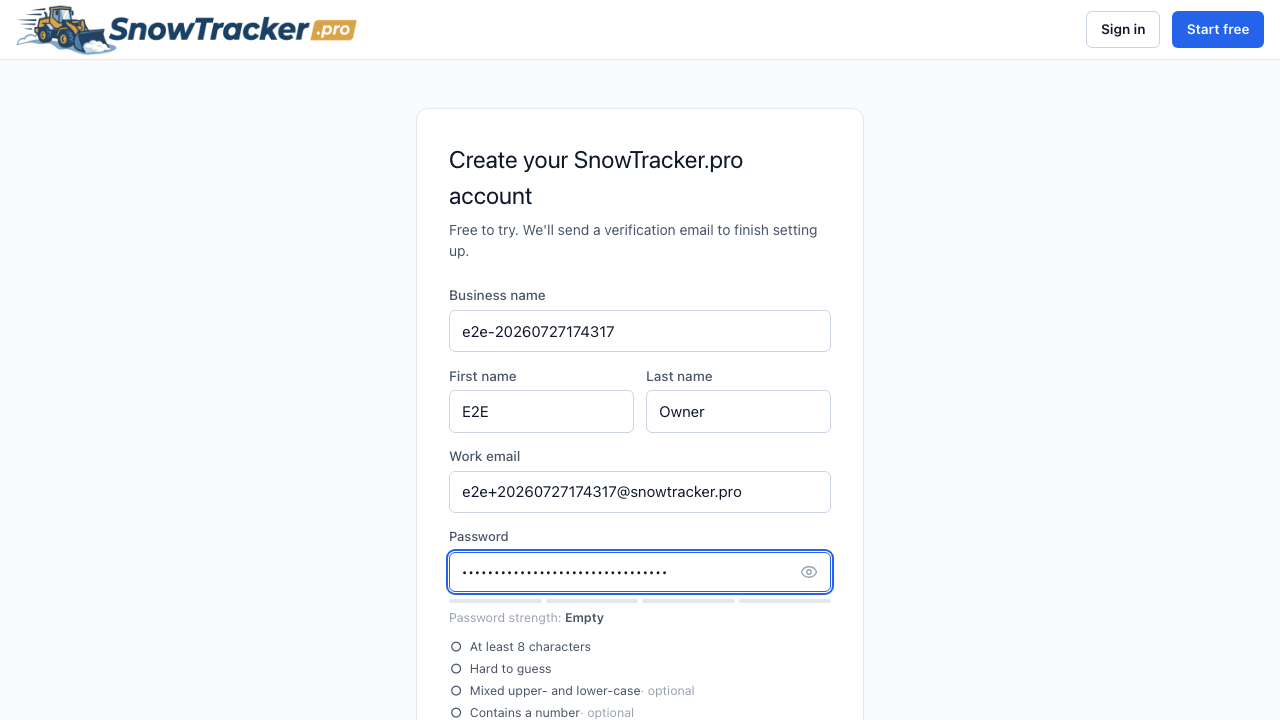
Fill in the sign-up form
Your name, business name, email, and a password. The email you enter becomes your sign-in, so use one you check regularly.
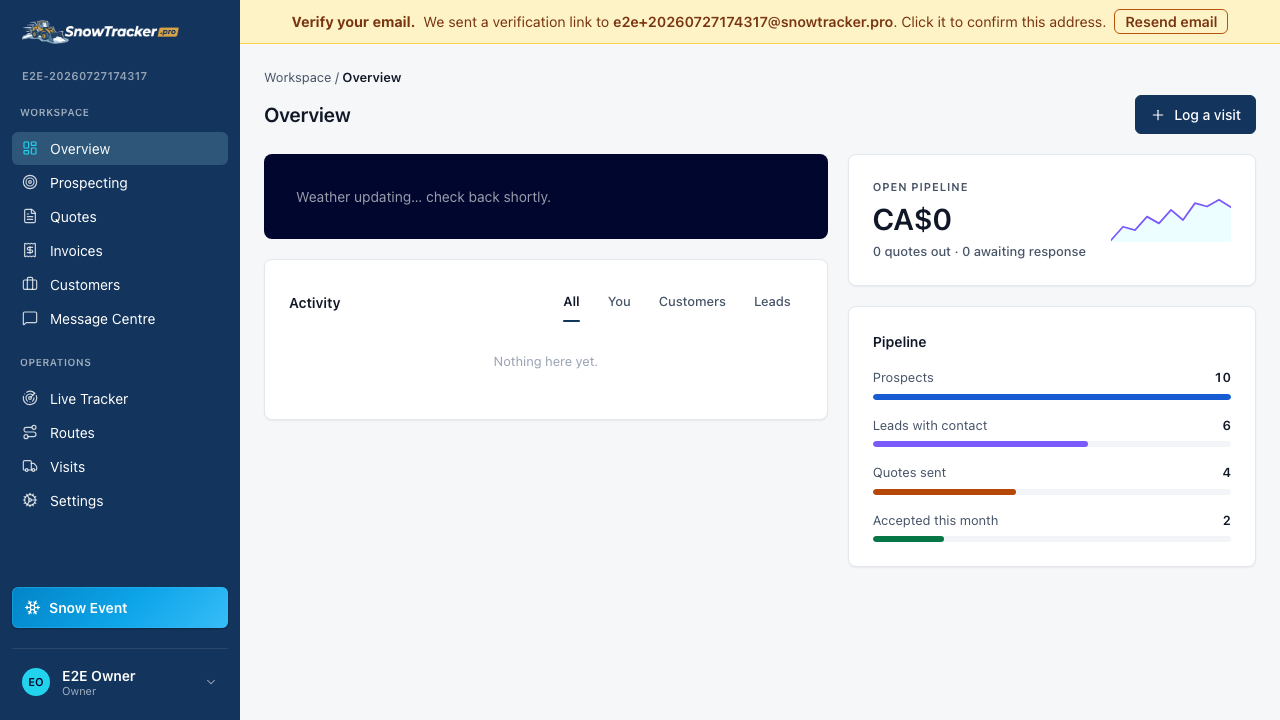
You land in your dashboard
That’s it — you’re signed in and looking at your dashboard. A good first move is adding your first customer, so the map and customer list have something to show.
Next time you visit, use Sign in at the top of the page — a code emailed to you, your password, or Google all work.