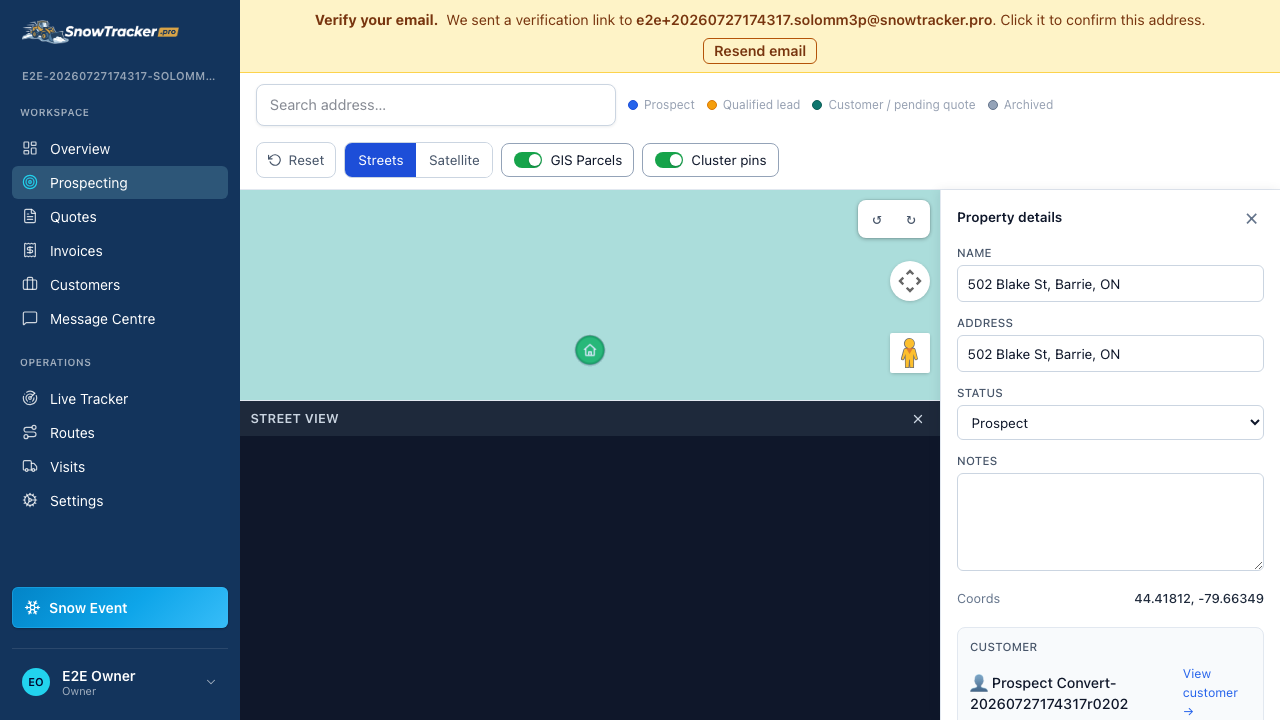
How do I convert a prospect into a customer?
Prospect properties live on your map without a customer attached. Converting one just means adding the person — the property, boundary, and any notes stay put.
Open the property on your prospecting map
Click the property, or open a link a teammate shared — either way its detail panel opens on the right.
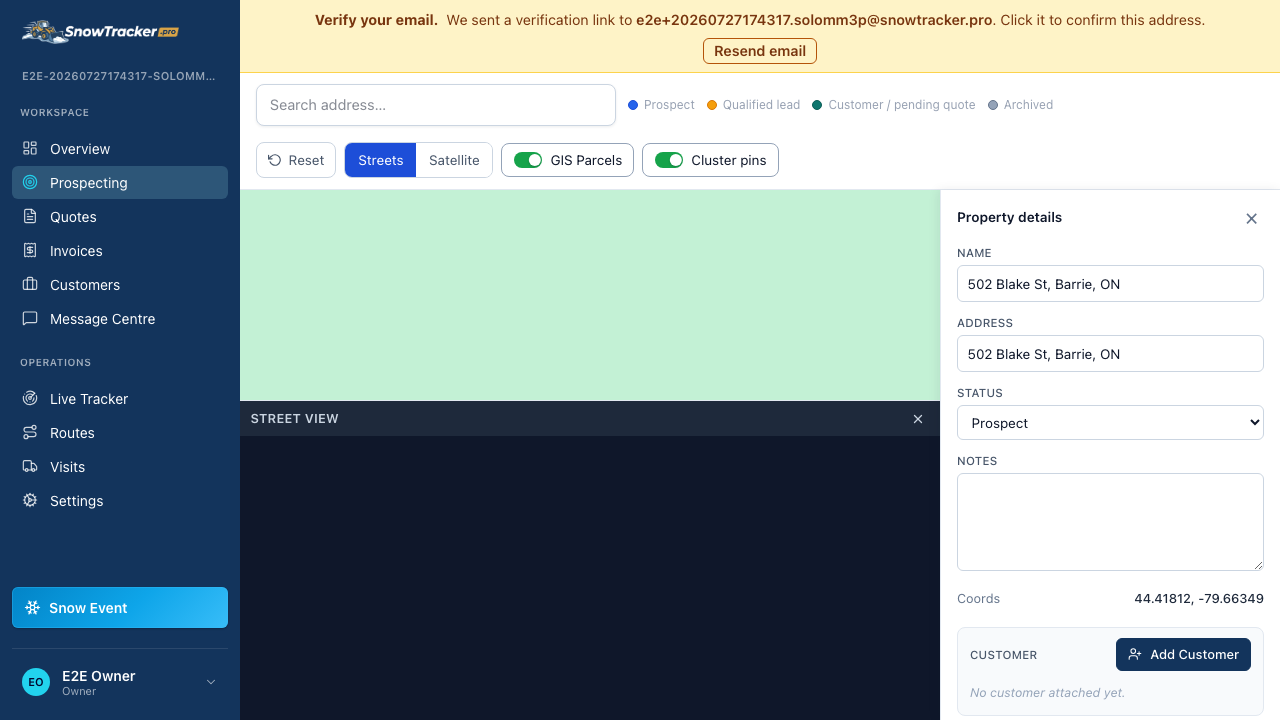
Choose Add Customer in the panel
Fill in the contact details for the person who owns or manages the property.
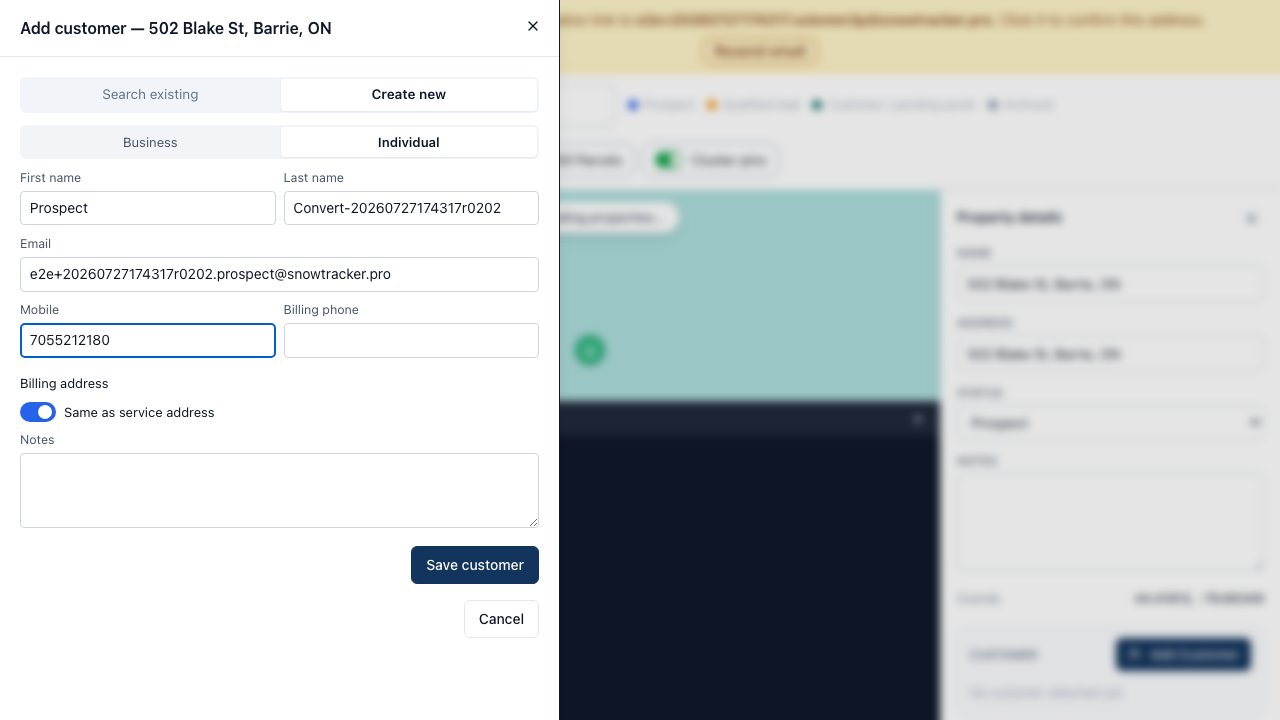
Done — the property now belongs to a customer
The panel switches from prospect to customer view. From here you can build their quote without leaving the map.